August 12, 2026 · Modality
Recurring Order Forms: Take Weekly Orders Online
If customers order from you every week, a recurring order form collects the orders and the payments on autopilot. Here is how to set one up.
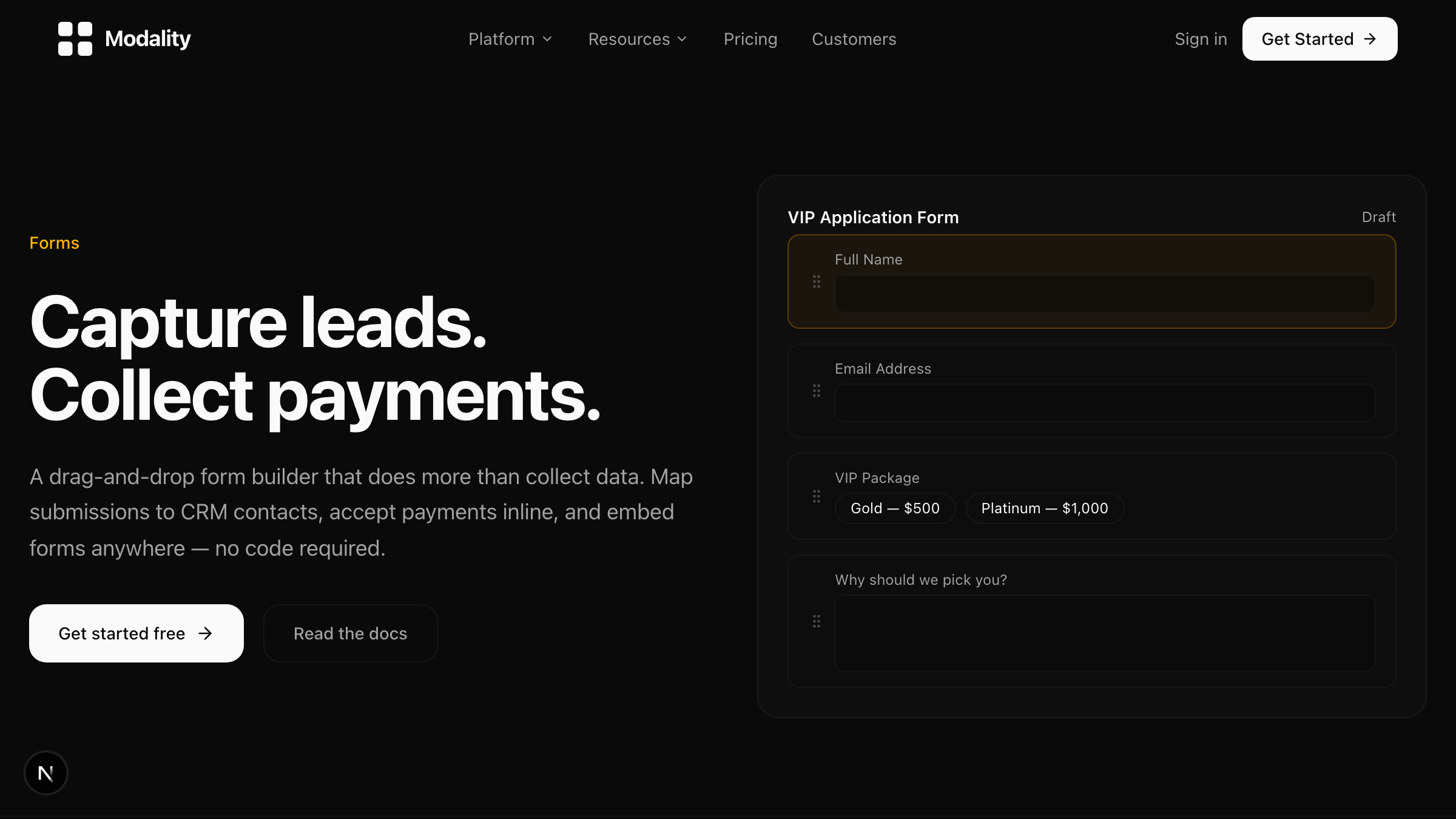
A recurring order form is a single online form that takes orders on a repeating schedule (weekly, biweekly, or monthly), where each period has its own items, its own live ordering window, and one stable link that always shows the current period. Instead of rebuilding a form every week and chasing payment by hand, you point customers at the same URL, they see whatever is on offer this period, they pay when they order, and ordering closes automatically at your cutoff.
If you take the same kind of order over and over (a weekly lunch, a produce box, a meal-prep menu, a class signup), a recurring order form is the piece most order tools quietly skip. Below is what it is, why a plain static form falls apart, and how to set one up start to finish.
What is a recurring order form and who needs one?
A recurring order form is a scheduled ordering page. It behaves like a normal pay-enabled form (products, quantities, checkout) but it is aware of time. You define periods (say, every Monday to Wednesday for a Friday delivery), attach the items available in each period, and the form shows the right period to whoever opens the link. When the cutoff passes, ordering closes and the next period takes over.
You need one if any of this sounds familiar:
- You post a menu or product list that changes every week and collect orders back by email, text, or a spreadsheet.
- You are manually re-sharing a new form link every period and losing track of which link is current.
- You are invoicing after the fact and half your energy goes into chasing payment.
- You want a running count of what people ordered so you know how much to make.
Common fits: a caterer running weekly school lunches, a farm running a CSA or produce box, a meal-prep kitchen with a rotating menu, and instructors taking weekly class signups. Different businesses, same shape: a repeating weekly order form with payment attached.
Why does a plain static form break for recurring orders?
A regular form assumes the list of things people can order never changes. Recurring businesses violate that assumption every single period, and the workarounds get ugly fast.
The menu changes, so the form goes stale
If this week's items differ from last week's, a static form is wrong the moment you publish it. You either edit the same form live (and risk someone ordering a half-updated menu) or you build a brand new form each week. Building weekly is tedious and error-prone, and it multiplies the next problem.
Every new form is a new link
A fresh form each week means a fresh URL each week. Now you are re-pasting a link into an email, a group chat, and your bio every period, and customers who bookmarked last week's link land on a closed or outdated form. A proper recurring order form gives you one stable link that always resolves to the current period, so you share it once.
There is no cutoff, so orders trickle in late
Static forms stay open until you remember to turn them off. For a kitchen that needs to shop and prep, a 9pm order is worthless if you started cooking at 7. Recurring ordering needs a hard cutoff that closes the window automatically, not a human remembering to flip a switch.
Payment and totals live somewhere else
With a plain form you often collect orders now and money later, which means invoices, reminders, and unpaid pickups. And because the data is scattered, you cannot see a clean running total of what was ordered without tallying it yourself.
How does a scheduled recurring order form actually work?
The mechanics are simpler than they sound. A scheduled form has four moving parts working together.
- Periods with their own items. Each period holds its own list of products and prices. This week's menu is attached to this week's period, so the form is always showing exactly what is on offer now.
- A live ordering window. Each period opens and closes on the dates you set. Only the active period accepts orders.
- One stable link. The same URL always points at the current live period. Customers bookmark it, you put it in your bio, and it never goes stale.
- An automatic cutoff. When the deadline hits, ordering closes on its own. No late orders, no manual toggling.
Because ordering and checkout happen in the same step, you also get the two views recurring businesses actually run on: a running total by item (how many of each thing to make) and a per-person roster with payment status. If you want the full breakdown of turning those orders into a workflow, see how to build a kitchen prep sheet from online orders.
Should you collect payment at order time?
For most recurring businesses, yes. Taking payment at the moment of ordering is the single biggest upgrade over a static form, and it is why an online order form with payment beats a fillable PDF or a Google Form every time.
When money changes hands at order time, a few good things happen at once:
- Your order list is also your paid list. No separate invoicing pass, no reconciliation.
- Flaky orders drop. People who have to pay to order tend to actually mean it.
- Pickup and delivery get calmer because payment status is already settled.
Modality runs checkout on Stripe, so cards are handled securely and funds land in your account. It is closer to a subscription order form in feel (customers return to the same link each period and reorder) without locking anyone into an automatic charge they did not choose. If a customer skips a week, they simply do not order that week.
How do you set up a recurring order form (step by step)?
Here is the setup from scratch. You can build this in an afternoon and reuse it forever.
- Create a pay-enabled form. Start a new form in the form builder and turn on payments so checkout runs at order time.
- Add your products as line items. Enter each item with a price and, where it helps, a quantity limit. Prices are per unit, so customers can order more than one.
- Turn on scheduled ordering. Set the form to recur on your cadence (weekly is most common) and define the ordering window for each period, including the open time and the hard cutoff.
- Attach this period's items. For each period, set the menu or product list that applies. Next period gets its own list, so changing the menu never touches your link.
- Add conditional logic if you need it. Use conditional fields for choices like pickup versus delivery, delivery address, dietary notes, or add-ons that only appear when relevant.
- Grab your one stable link. Copy the form URL. This is the only link you ever share; it always shows the live period.
- Share it and watch totals build. Post the link, then open your order report to see the running total by item and the per-person roster fill in as orders come in.
- Let the cutoff do the closing. At the deadline, ordering closes automatically. Pull your prep totals and paid roster, and the next period is already queued.
To keep late orders from eating into that trickle, pair the form with automated order reminders that nudge only the people who have not ordered yet before the cutoff.
What does recurring order management look like across different businesses?
The same setup flexes across very different operations. That flexibility is the whole point of good recurring order management: one system, many use cases.
A caterer running weekly school lunches
Parents open the same link every week, see Friday's menu, order for each child, and pay on the spot. The caterer gets a by-item total to cook from and a by-person roster to pack and hand out, with payment already collected. No lunch-money envelopes, no chasing.
A produce box or CSA
Members reorder each week or customize their box from what is in season. Because each period carries its own item list, the farm simply loads what it harvested and the form reflects it. Cutoff closes ordering the night before pack day.
A meal-prep service
A rotating weekly menu lives on the same URL. Customers pick meals and quantities, pay, and the kitchen preps to the running total. It reads like a subscription order form to the customer without forcing an auto-charge.
Weekly classes
Instructors take signups for the coming week's sessions, cap seats with quantity limits, and collect payment up front so no-shows stop hurting. One link, refreshed automatically every week.
Frequently asked questions
What is the difference between a recurring order form and a subscription?
A subscription charges a customer automatically on a schedule. A recurring order form uses one stable link that shows the current period and lets customers choose to order (and pay) each time. It is recurring for you, but opt-in for them every period.
Can customers order different items each period?
Yes. Each period has its own attached item list, so you can change the menu or product lineup completely from one period to the next without changing your link or rebuilding the form.
Do I have to reshare the link every week?
No. The whole point is one stable link that always resolves to the live period. Share it once; customers can bookmark it and reorder from the same URL every time.
How does payment work on the form?
Payment is collected at order time through Stripe checkout, so your order list doubles as your paid list. You can see payment status per person in the order roster.
Ready to take orders on autopilot? Build your first scheduled order form in Modality, share one link, and let payments and totals handle themselves. Start free and set up a recurring order form today.
Run it all in one place
Modality brings your CRM, ticketing, forms, payments, and marketing together, with AI that sets it up for you.
Start free