September 16, 2026 · Modality
How to Track Event ROI (and What Drives Ticket Sales)
You cannot improve what you cannot attribute. Here is how to measure event ROI and finally see which channel actually drives ticket sales.
To measure event ROI, you compare the total revenue an event generated against everything it cost to produce and promote, then attribute each ticket sale to the channel that drove it. The formula is simple. The hard part is attribution: knowing whether email, social, or paid ads actually sold the ticket. That breaks in most setups because sales data lives in one tool and marketing data lives in another, so the two never connect.
This guide shows how to measure event ROI properly, why attribution usually falls apart, the metrics that matter, and a worked ROI formula with real numbers. Our running example is a producer trying to figure out whether email, social, or paid ads is actually driving ticket sales.
How do you measure event ROI in the first place?
To measure event ROI, use one core relationship: the return you got divided by the amount you spent. If a show brings in $18,000 and cost $12,000 to put on and promote, that is a positive return. But a single top-line number hides the decisions that matter. The real value of learning how to measure event ROI is being able to see which channels and which tactics produced the return, so you can spend more on what works and cut what does not.
Event ROI is not just a finance exercise. It is the feedback loop that tells you where to put your next dollar. A producer who knows that email drives 60 percent of ticket revenue at a fraction of the cost of paid ads will run the next event completely differently from one who is guessing.
Why does event marketing attribution usually break?
Attribution breaks because your sales and marketing data live in separate systems that were never designed to talk to each other. Here is the typical stack:
- Tickets sell through one platform (Eventbrite or similar).
- Email goes out through another (Mailchimp or Klaviyo).
- Social and paid live in ad managers and scheduling tools.
- Contacts and notes sit in a spreadsheet or a general CRM.
When a ticket sells, the sales tool records the money but not the channel that drove it. When someone clicks your email or ad, the marketing tool records the click but not whether it turned into a purchase. To connect the two you are exporting CSVs, matching email addresses by hand, and hoping the timestamps line up. Most producers give up and fall back on gut feel, which is exactly how event marketing attribution dies.
The fix is not a better spreadsheet. It is keeping ticketing, contacts, and campaigns in one system so the purchase and the touch that drove it are already linked. That is also the case for owning your data in general, which we cover in owning your audience with first-party data.
Which metrics actually matter for measuring event success?
Total revenue is the vanity number. These are the metrics that tell you whether an event genuinely worked and where to invest next time.
Cost per ticket by channel
Divide what you spent on a channel by the tickets it produced. If email cost you $200 in tooling and time and sold 150 tickets, that is about $1.33 per ticket. If paid ads cost $3,000 and sold 200 tickets, that is $15 per ticket. Same event, wildly different efficiency. This single metric reshapes budgets faster than anything else.
Revenue per attendee
Total revenue divided by attendees. This catches upsells, higher tiers, add-ons, and merchandise, so an event with fewer but higher-value guests can outperform a bigger, cheaper one. It also tells you whether your pricing and tiering are working.
Repeat-attendance rate
The share of attendees who have come before. High repeat attendance means you are building an audience, not renting one, and it dramatically lowers your cost to fill future events. If this number is low, your post-event follow-up is probably the gap.
What is a simple event ROI formula, worked through?
Here is the event ROI formula, then a full worked example so you can see it in action.
Event ROI (%) = ((Total revenue minus Total cost) divided by Total cost) times 100
Now the numbers. Our producer runs a one-night show:
- Revenue: 500 tickets sold at an average of $36 equals $18,000.
- Costs: venue and production $8,000, email tooling and time $200, social $800, paid ads $3,000. Total cost $12,000.
Plugging in: ($18,000 minus $12,000) divided by $12,000 equals 0.5, times 100 equals a 50 percent ROI. Solid.
But the channel breakdown is where the decision lives. Say attribution shows email drove 250 tickets, social drove 150, and paid drove 100. Cost per ticket looks like this:
- Email: $200 over 250 tickets equals $0.80 per ticket.
- Social: $800 over 150 tickets equals $5.33 per ticket.
- Paid ads: $3,000 over 100 tickets equals $30 per ticket.
The top-line 50 percent ROI hid a clear story: email is 37 times more efficient than paid. For the next event, this producer shifts budget toward growing and nurturing the email list and treats paid ads as a top-up for reach, not the main engine. That is a decision you cannot make without channel-level attribution. If email is your workhorse, our guide to event email marketing shows how to build the sequence that drives it.
How do you make event ROI a report instead of a research project?
The difference between producers who track ROI and those who intend to is usually the tooling, not the discipline. When ticketing, CRM, and campaigns share one database, ROI is a report you open. When they are scattered, it is a research project you keep postponing. Here is how to set it up so the numbers are always there.
- Sell tickets and hold contacts in the same system. Every purchase links to a real person record, so you always know who bought and from where.
- Run campaigns from that same system. When email, SMS, and social sends live alongside your ticket data, a click that leads to a purchase is captured automatically. No CSV matching.
- Tag spend by channel. Record what each channel cost so cost per ticket calculates itself.
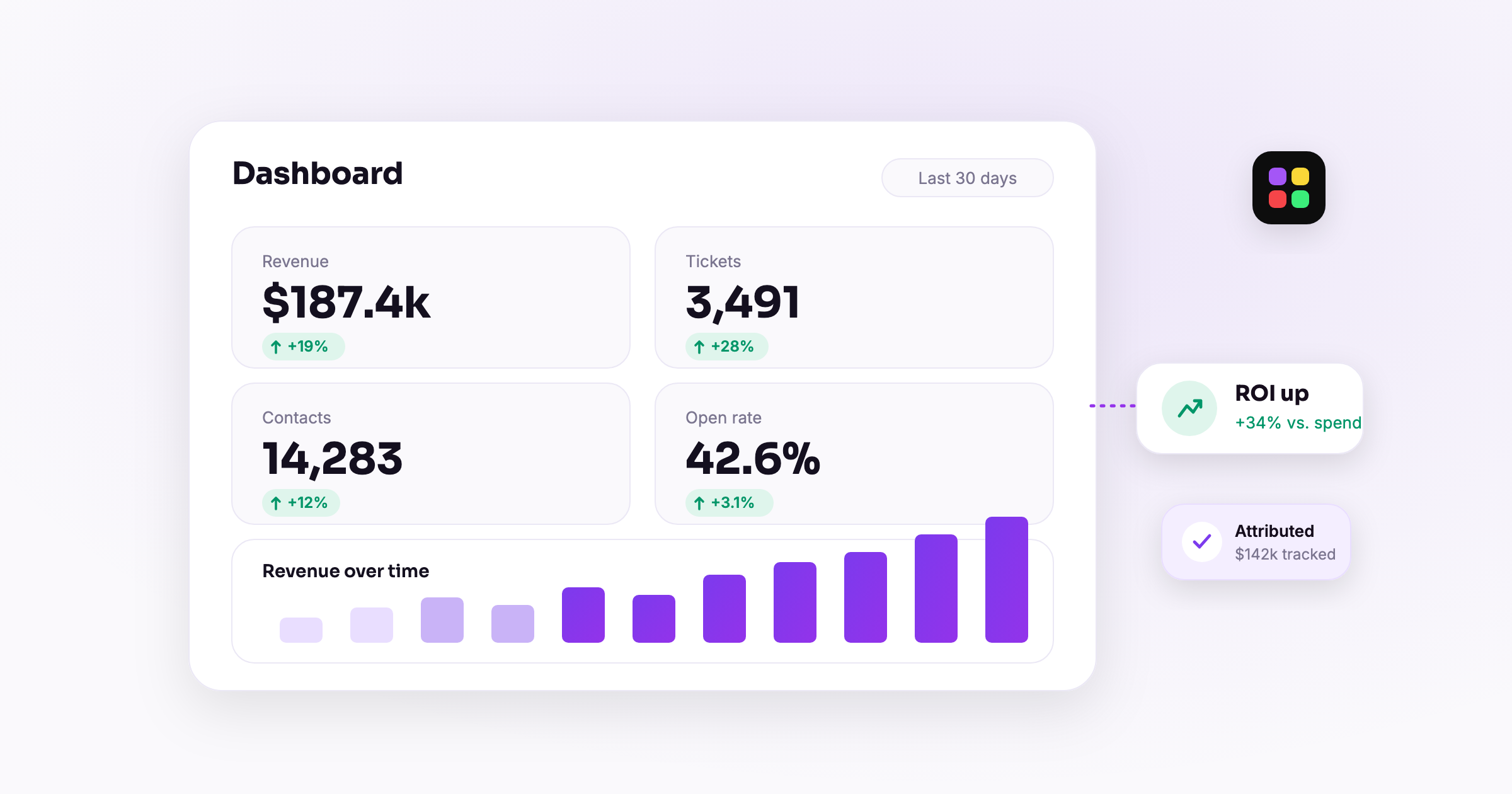
- Read the dashboard. Pull revenue, tickets, cost per ticket by channel, revenue per attendee, and repeat rate from one place.
Modality is built for exactly this. Because events and ticketing sit next to your multi-channel campaigns and your CRM in one platform, the link between a send and a sale already exists. The reporting and analytics then surface cost per ticket, revenue per attendee, and repeat attendance without any manual reconciliation. Measuring event success stops being a scramble and becomes a habit.
Frequently asked questions
What is the basic event ROI formula?
Event ROI (%) equals total revenue minus total cost, divided by total cost, times 100. A result above zero means the event made money after all production and marketing costs, and the higher the percentage, the more efficient the event.
How do I attribute ticket sales to the right channel?
You need the purchase and the marketing touch to live in the same system, so a click that becomes a sale is recorded together. When ticketing and campaigns are in separate tools, attribution requires manual CSV matching by email address, which is why most producers skip it and guess instead.
What is the most useful single metric for measuring event success?
Cost per ticket by channel. It exposes which channels are efficient and which are expensive, and it usually reveals that owned channels like email vastly outperform paid ads on a per-ticket basis, which reshapes how you spend on the next event.
Why is repeat-attendance rate part of event ROI?
Because returning attendees are far cheaper to sell to than new ones. A high repeat rate lowers your future acquisition costs and signals you are building a durable audience, which improves ROI on every event that follows.
Want event ROI to be a report you open instead of a project you dread? Start free with Modality and keep your tickets, contacts, and campaigns in one place so every sale traces back to the channel that earned it.
Run it all in one place
Modality brings your CRM, ticketing, forms, payments, and marketing together, with AI that sets it up for you.
Start free