July 29, 2026 · Modality
CRM for Venues: Turn One-Time Guests Into Regulars
Venues run on repeat attendance, but most have no CRM and no way to bring guests back. Here is how a venue CRM turns a one-time crowd into regulars.
A CRM for venues is the system that remembers every guest who walks through your doors and gives you the tools to bring them back. Instead of treating each night as a fresh crowd, a venue CRM tracks who attended, what they spent, and what they came for, then automates the outreach that turns a one-time guest into a regular.
Most venues are excellent at filling a room once and terrible at filling it again with the same people. That is not a marketing problem, it is a memory problem: the data from Friday's crowd evaporates by Monday. This guide covers what a venue CRM actually tracks, the automations that re-engage lapsed guests, how to run guest lists and the door, and how to get started, with concrete examples for nightclubs, live-music rooms, and event venues.
Why do venues struggle with repeat attendance?
The math is brutal. A venue can sell out a Friday and still have almost no idea who was there. Tickets were bought through a marketplace, walk-ups paid cash at the door, and the guest list lived in someone's phone. By the next event, that audience is a stranger again.
Repeat attendance is where the money is. It is far cheaper to bring back someone who already loves your room than to win a new guest from scratch. But you cannot re-engage people you do not remember. A CRM for venues fixes the root cause by capturing every guest into one place and keeping their history attached to them, so your next promotion targets people who have already proven they will show up.
This is the same core idea behind any event CRM, applied to the specific rhythm of a venue: recurring nights, mixed ticket and door entry, and audiences that overlap week to week.
What does a venue CRM actually track?
A good venue CRM turns fleeting activity into durable guest records. The essentials:
- Guest profiles. Name, email, phone, and how they first came in (ticket, RSVP, form, or door).
- Attendance history. Which nights each guest came to, so you can see frequency and recency at a glance.
- Spend and orders. Ticket purchases, table bookings, and any pay-enabled form orders, with payment status.
- Tags and preferences. Genre, night, VIP status, birthday, or promoter they came in through.
- Source and referral. Which promo code, campaign, or promoter drove each guest.
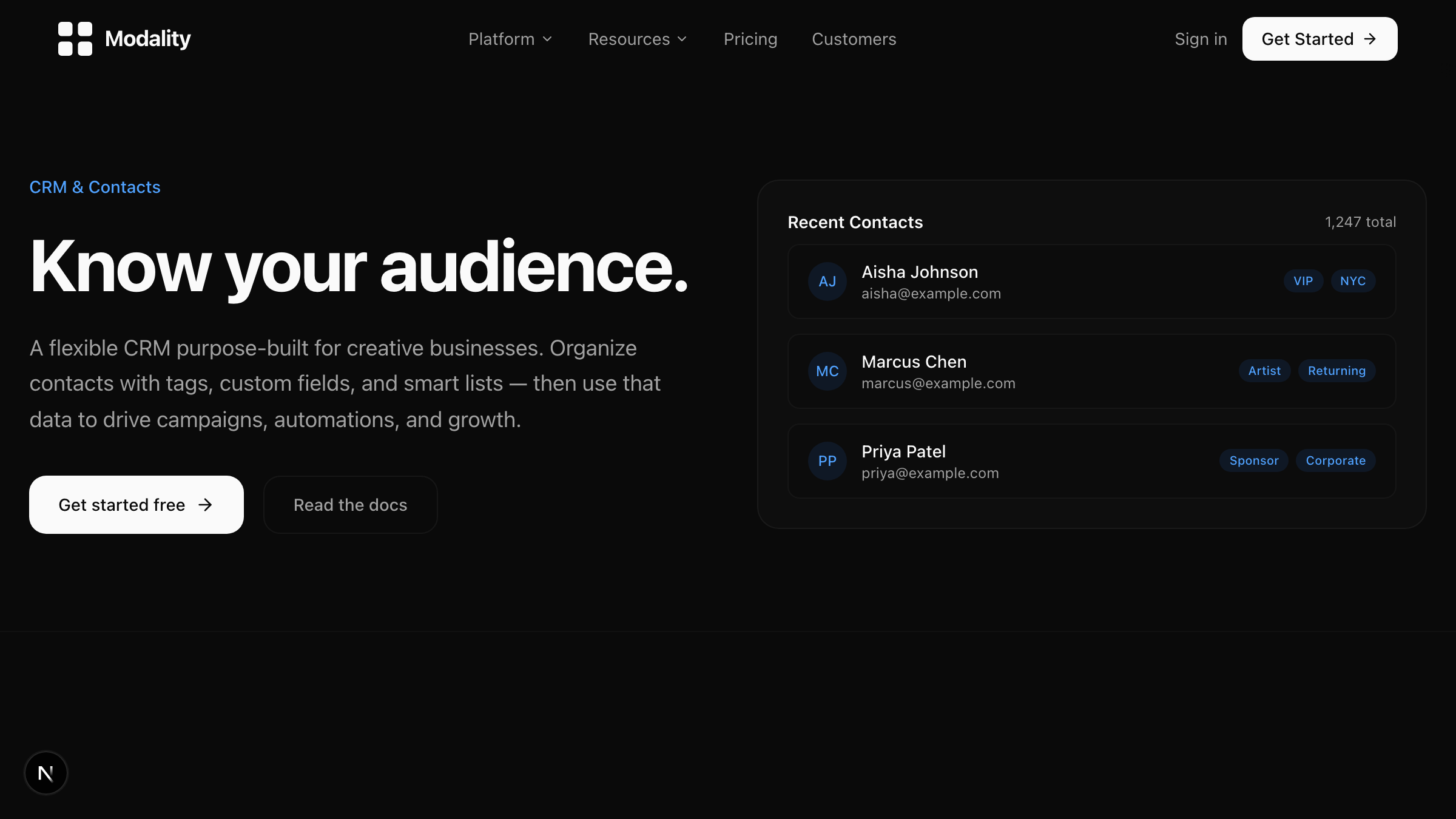
Because Modality combines a flexible CRM with native ticketing, ticket buyers and RSVPs become guest records automatically. You are not exporting a spreadsheet after every event; the data is already there, tied to real people. Custom fields and tags let you model whatever your room cares about, from bottle-service tiers to preferred genres.
What automations re-engage lapsed guests?
The point of tracking guests is to act on it without doing it by hand every week. A nightclub CRM software setup or any venue CRM should let you build workflows like these with a visual builder:
- Win-back for lapsed guests. Automatically message anyone who has not attended in 60 or 90 days with an incentive to come back.
- Presale for regulars. Text your most frequent attendees a presale link before general sale opens.
- Genre and interest matching. When you announce an act, notify only guests tagged for that genre so your sends stay relevant.
- Post-event follow-up. Thank attendees the morning after and drop the next event on their radar while the memory is fresh.
- Birthday and milestone offers. Trigger a table or comp offer around a guest's birthday.
All of these run on triggers and actions inside the automation engine, so once you set them up they fire on their own. That is the difference between a venue that reacts and one that compounds its audience over time. For the follow-up flow specifically, our guide on building repeat-attendee segments pairs well with these automations.
How does a CRM handle guest lists and door management?
Guest list chaos is a nightly tax on venues: comped names in a group chat, promoter lists on paper, and a door person cross-referencing three sources while a line builds outside. A venue CRM centralizes it.
With one system, guest lists live alongside ticket buyers, so the door sees a single roster. QR-code tickets scan for fast check-in, and promoter or comp entries sit in the same view with their status. Because everyone who comes through, ticket or list, is captured as a guest record, your door process doubles as data collection. The person you comped on Friday is now a contact you can market to on Monday.
Practical pieces of solid event venue management at the door:
- A single check-in roster covering tickets, RSVPs, and comps.
- QR scanning so lines move and you cannot double-scan a ticket.
- Promoter attribution, so you know which promoter actually delivered bodies.
- Real-time capacity counts as guests check in.
What does this look like for different venues?
A nightclub with weekly nights
A club runs the same three nights every week. With a venue CRM, each night's ticket buyers and door guests build into profiles tagged by night and genre. The club sees who comes every Saturday versus who only shows for special guests, then runs presale automations for regulars and win-back offers for anyone who has drifted. Promoter attribution settles the weekly argument over who actually brought the crowd.
A live-music venue
A live room hosts different acts nightly across many genres. The CRM tags guests by the shows they attend, so when a similar act books, the venue emails only the fans who care. Over a season, that targeted list drives more presales than any generic blast, and the venue owns the audience instead of renting it from a ticketing marketplace.
An event and wedding venue
An event venue books weddings, corporate events, and private parties. Here the CRM tracks inquiries, tours, deposits, and vendors as linked records, with pay-enabled forms handling deposits and payment status on the roster. Automated follow-ups nudge leads who toured but did not book, and past clients get re-engaged for anniversaries or repeat corporate events.
How do you get started with a venue CRM?
You can stand up a working system before your next event with these steps:
- Centralize your guests. Import your existing lists (past ticket buyers, email subscribers, VIP contacts) into one CRM.
- Set up your tags. Create the tags your room actually uses: nights, genres, VIP, promoter, and lapsed.
- Move ticketing and RSVPs in. Sell tickets and collect RSVPs through the platform so new guests auto-populate as records. Set up your guest database to receive them.
- Turn on the door flow. Use QR-code tickets and a single check-in roster so every event captures data cleanly.
- Build three automations. Start with a post-event follow-up, a presale for regulars, and a win-back for lapsed guests. Add more from the automation engine as you learn.
- Review after each event. Check who is becoming a regular, who lapsed, and which promoter or campaign delivered, then adjust.
Within a few event cycles you will have something no marketplace can give you: a living, growing database of the people who love your venue, and the automations to keep bringing them back.
Frequently asked questions
What is the difference between a venue CRM and ticketing software?
Ticketing software sells entry to one event. A venue CRM keeps every guest as a lasting record with attendance and spend history across all your events, so you can re-engage them. The best setups combine both so ticket sales flow straight into the CRM.
Can a CRM help with guest lists at the door?
Yes. A venue CRM puts ticket buyers, RSVPs, and comped guests on a single check-in roster with QR scanning, so the door works from one source instead of paper lists and group chats.
How does a CRM bring lapsed guests back?
By tracking attendance recency and firing automated win-back messages to anyone who has not visited in a set period, often with an incentive. Because the CRM remembers what each guest came for, those messages can be targeted rather than generic.
Do small venues need a CRM?
Yes. Smaller rooms rely even more on regulars, and a CRM makes repeat attendance systematic instead of relying on memory. No-code tools let a small team set one up in an afternoon.
Stop letting your best guests disappear after last call. Start free with Modality and turn every ticket buyer, RSVP, and door guest into a regular you can reach again.
Run it all in one place
Modality brings your CRM, ticketing, forms, payments, and marketing together, with AI that sets it up for you.
Start free